My Dialogue System Explained
How does it work?
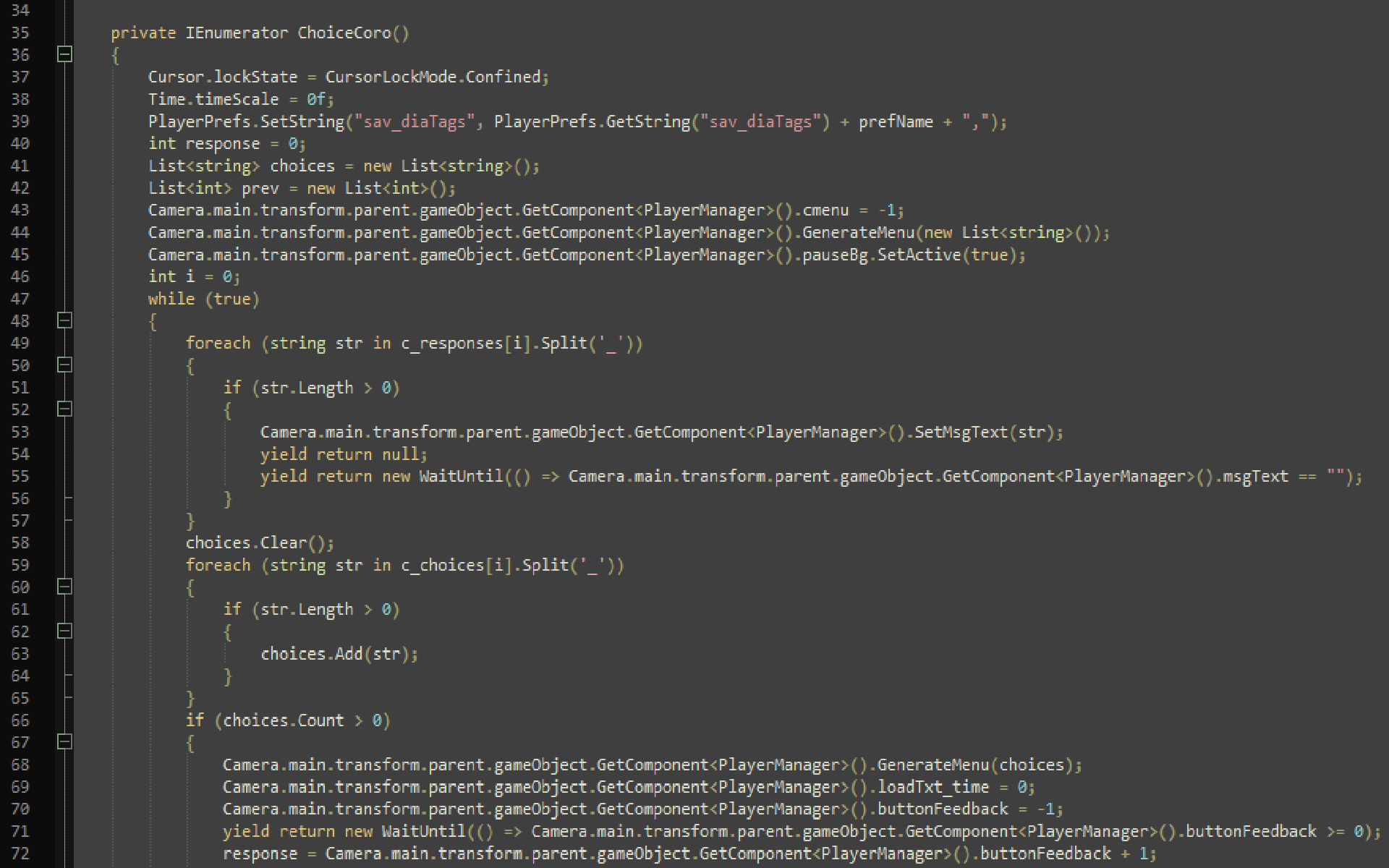
As I’ve mentioned before, I created an entire dialogue system for one of my games. However, I did not get to thoroughly explain it to you, so I figured I’d do so here since I don’t know what else to choose as a topic anyway. The dialogue system works based off of a tag system, where each choice is saved for the player and indicates the player’s dialogue history. Along with the tags, an integer value is saved to “keep score” of the effects of the player’s dialogue choices, with a higher number indicating a good outcome and a lower or negative number indicating a bad outcome. Now that you know the basics of how this dialogue system is saved, I’ll get into explaining how the tags work and how I keep this all organized.
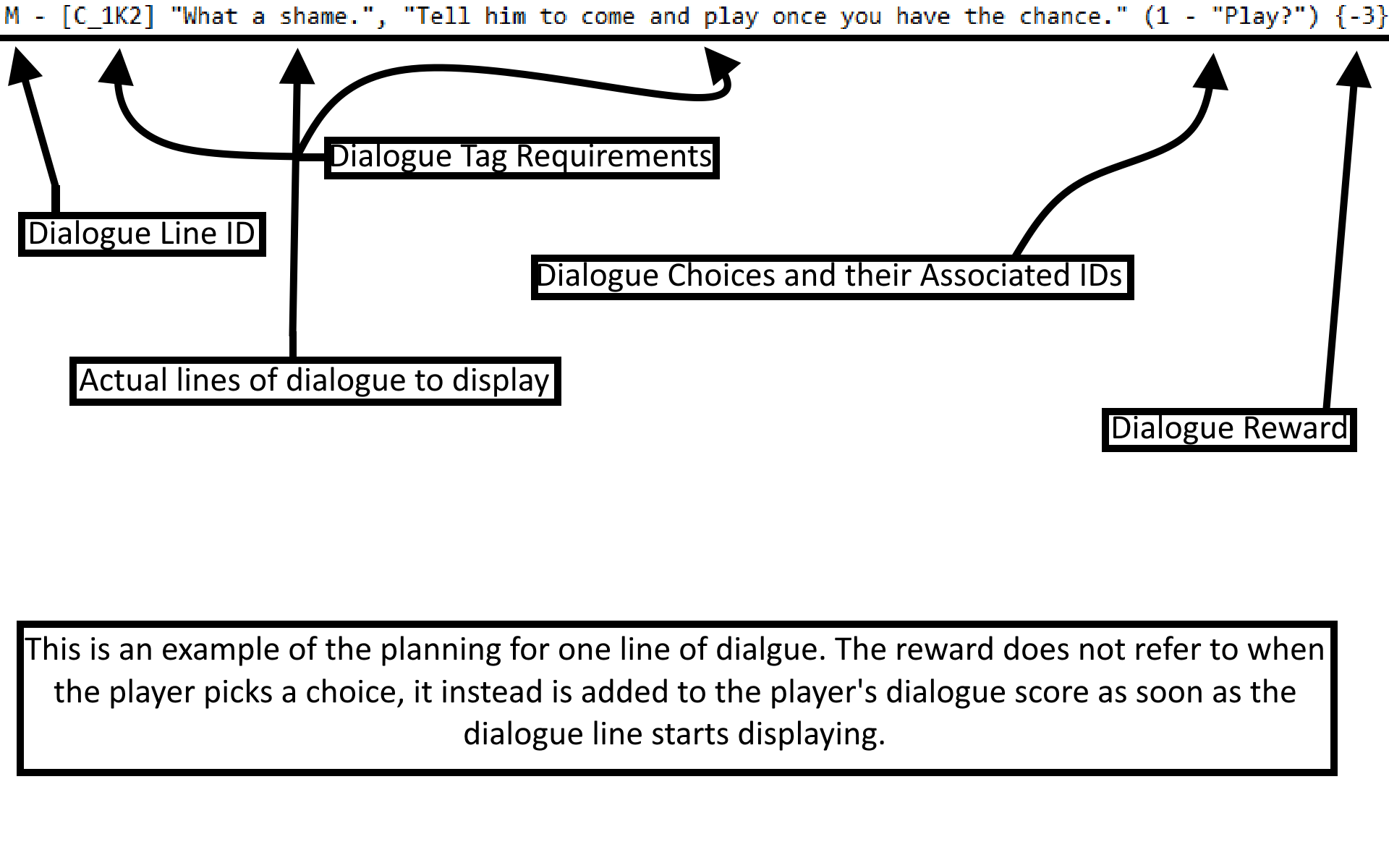
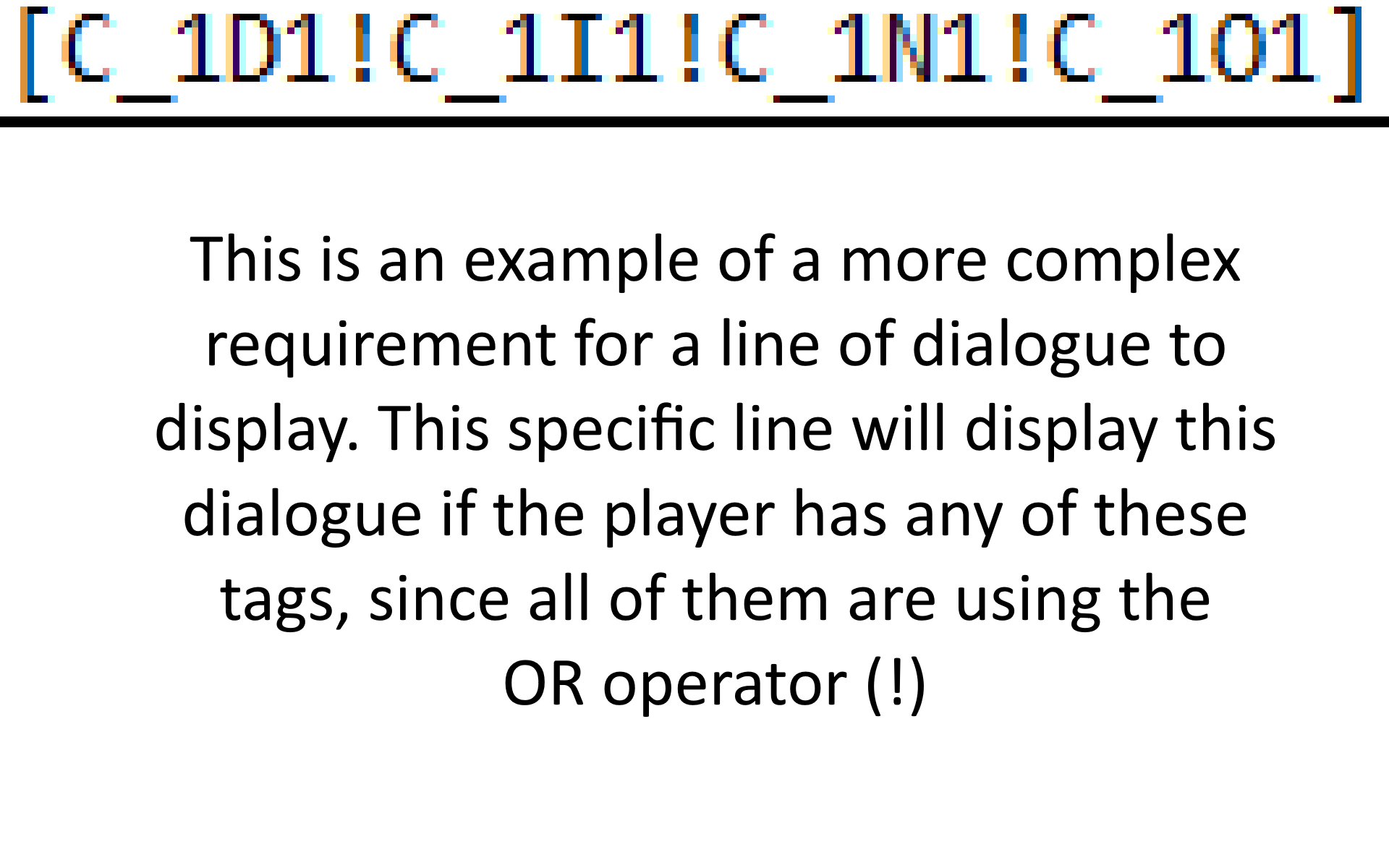
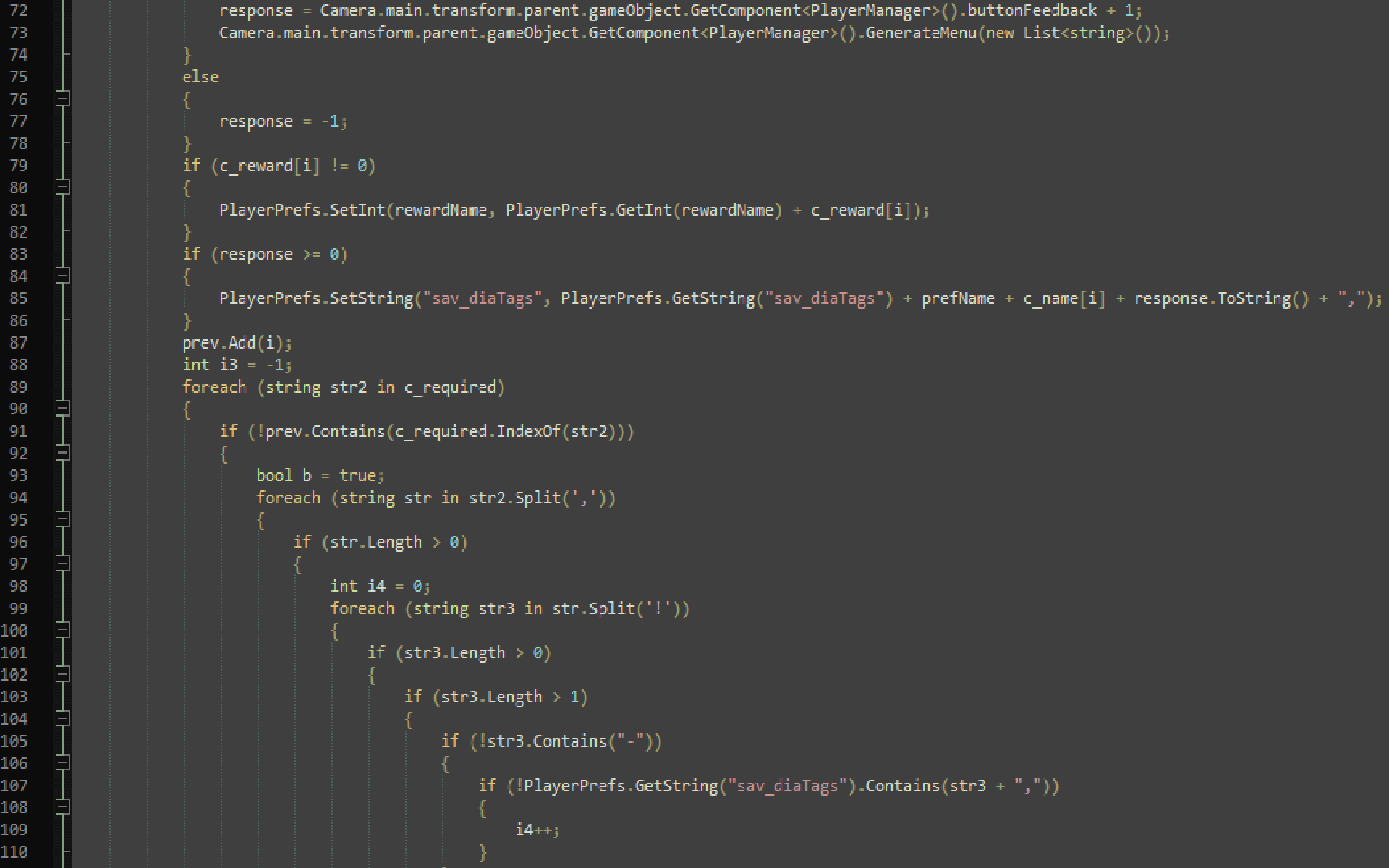
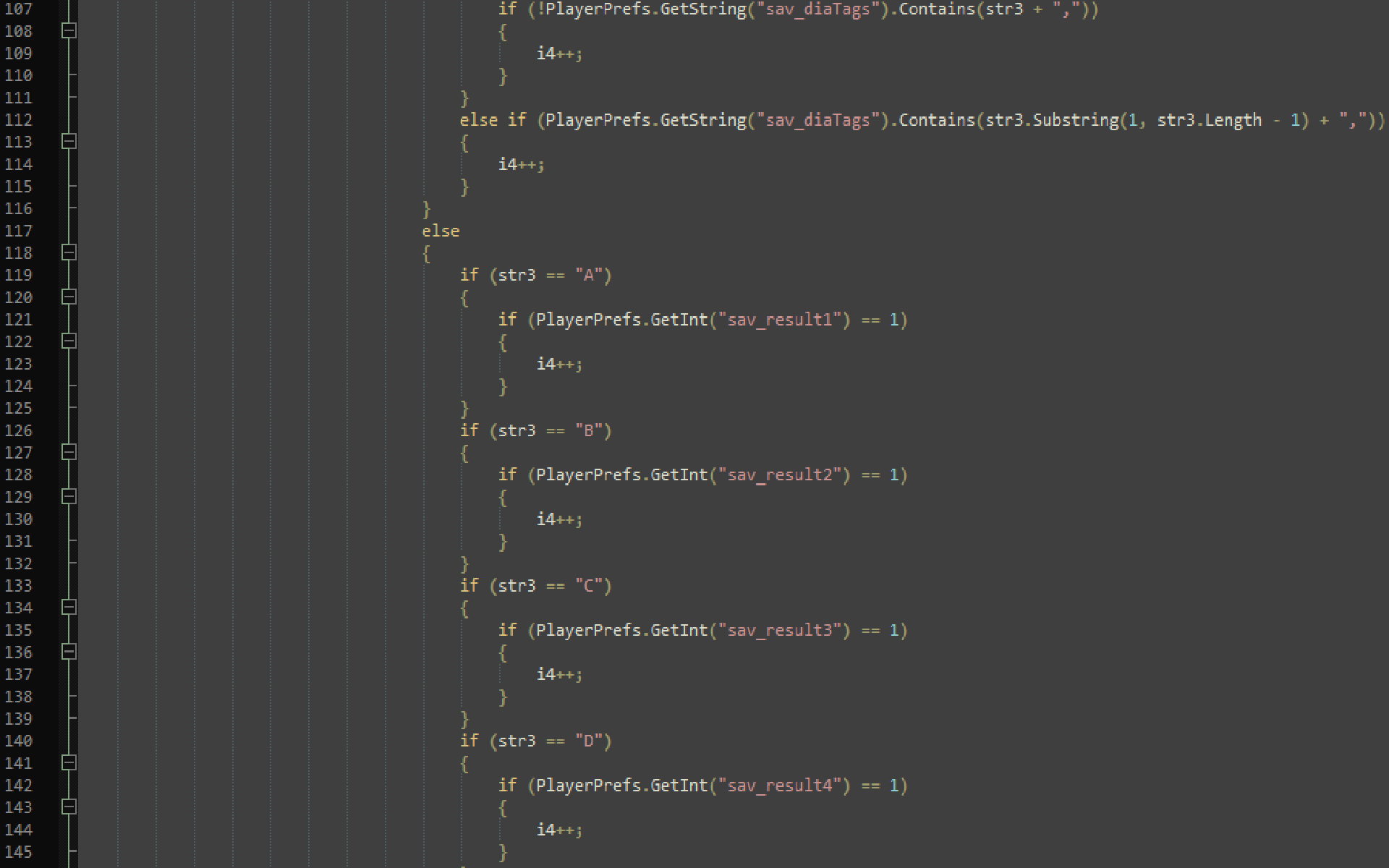
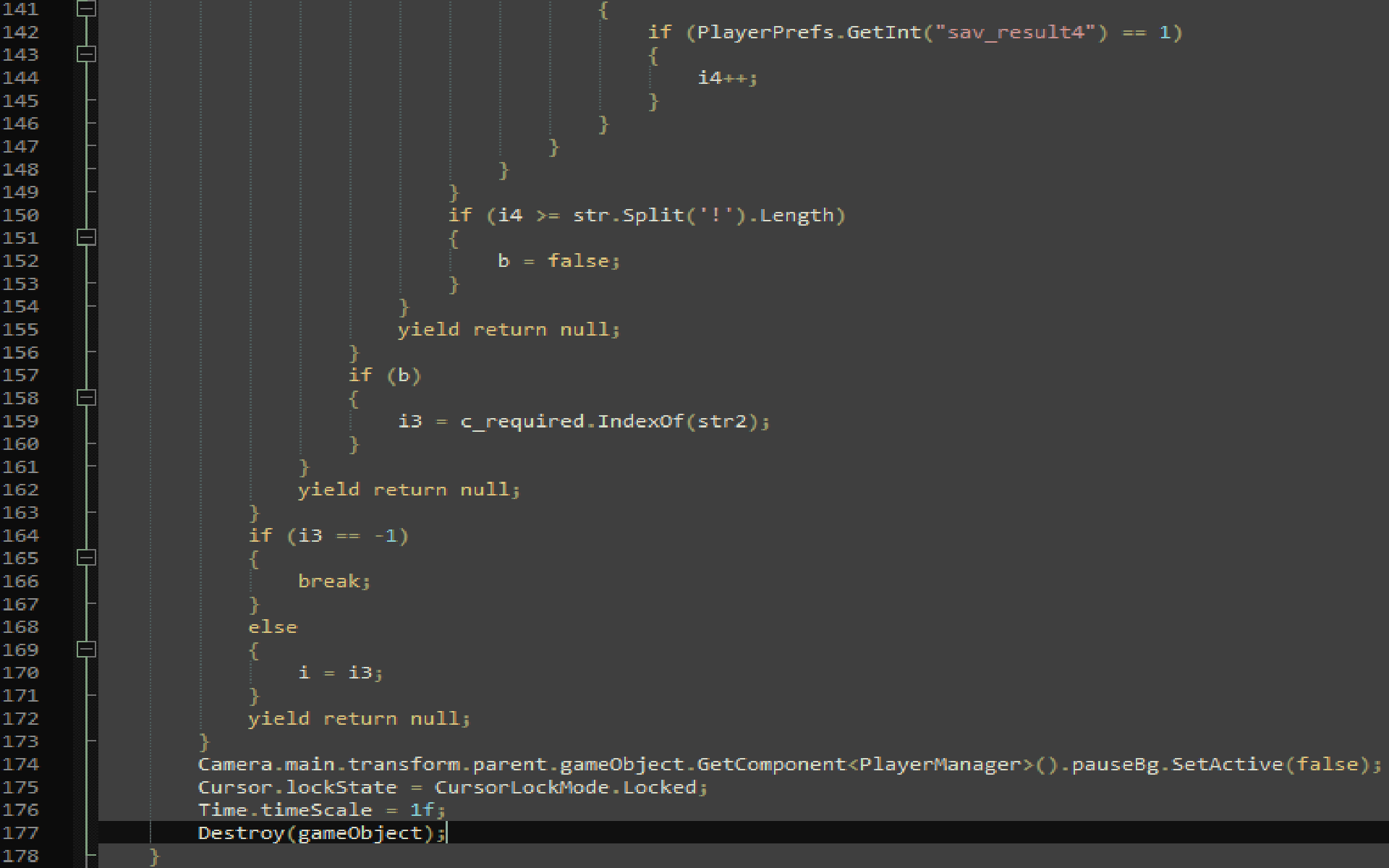
Each dialogue scenario is saved as a cluster of requirements for different tags along with choices and a reward associated with each line of dialogue. The tag structure is divided into multiple parts, an example of a tag is as follows: “(-)A_1A1(!/,)” The “(-)” part is in brackets because it is optional, if it is marked as negative then the dialogue system will try to AVOID that tag instead of specifically looking for it. The “A_” indicates the section of the game that the dialogue is in, which helps to differentiate dialogue scenarios in different situations. “A_” could be replaced with any letter as long as an underscore follows it, even multiple letters if there are more than 26 divisions necessary. The first digit after the underscore indicates the ID of the dialogue scenario or cluster that took place. For example, “1” is the first dialogue scenario of that section, “2” is the 2nd, and so on. The second letter between the two digits refers to the specific dialogue line ID. It’s represented as a letter as opposed to a digit so it can be differentiated from the surrounding digits. The reason why the dialogue line ID and Choice ID (2nd digit after dialogue line ID) are separate and not combined is because each dialogue line has differing choices that will generate a tag. The Choice ID is obviously just the ID of the choice that the player chooses, but it will return a new tag that the dialogue system will attempt to find a match to continue the dialogue. If it doesn’t, the dialogue ends. Due to this, I did also have to implement some similar things to if conditions, which is the last part of the tag “!” or “,”. Although, this is not included within the saved tag, as this is specifically intended for conditional checking, with “!” functioning as OR, and “,” functioning as AND. These operators can be combined with the first “(-)” to effectively create a makeshift if condition specifically catered towards this dialogue system.
Visual Explanations and Examples
 |
 |
 |
 |
 |
 |